
How a LIMI room works
What goes in the room, what runs on your network, and what the television is allowed to show.
In the room
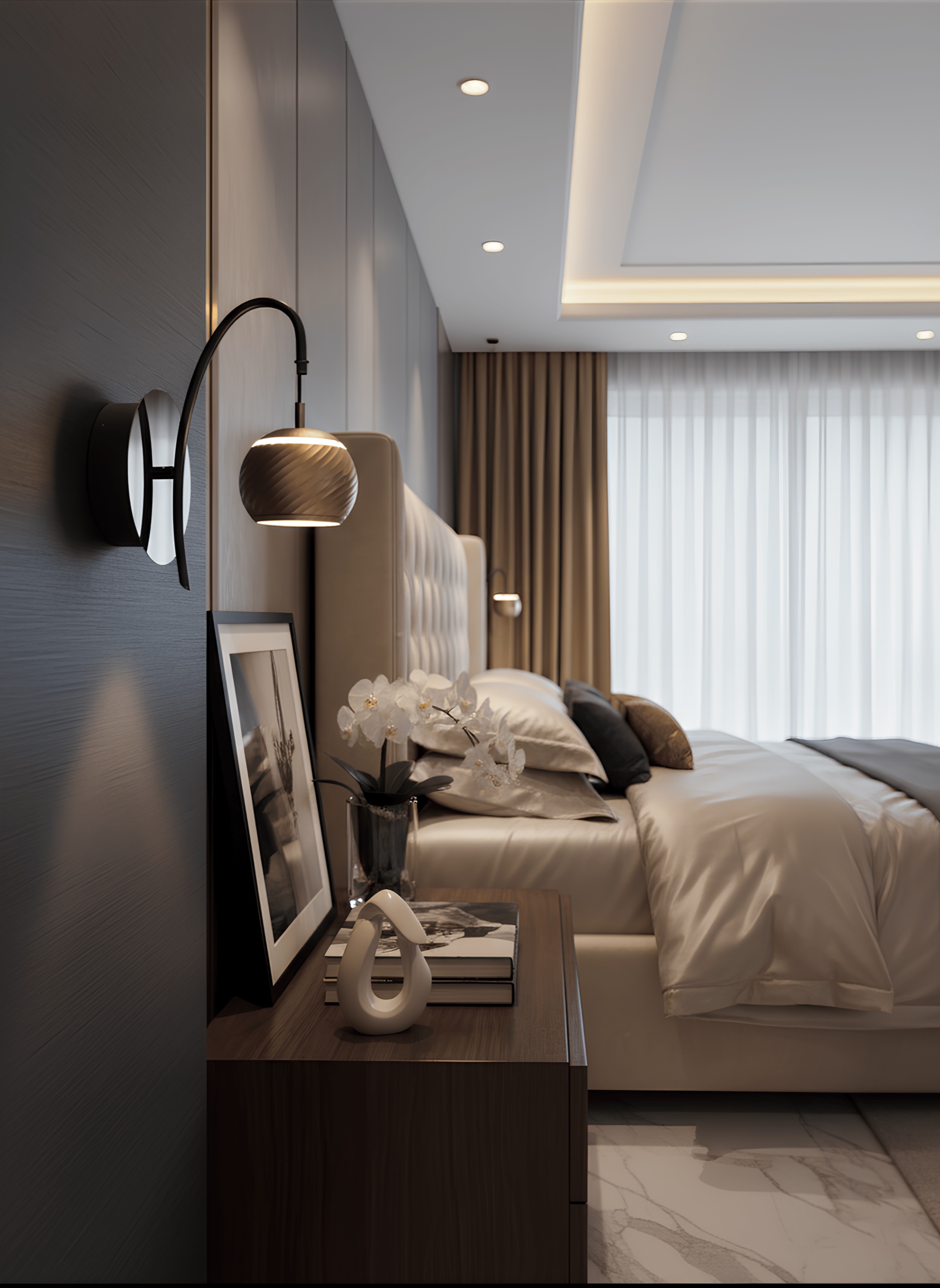
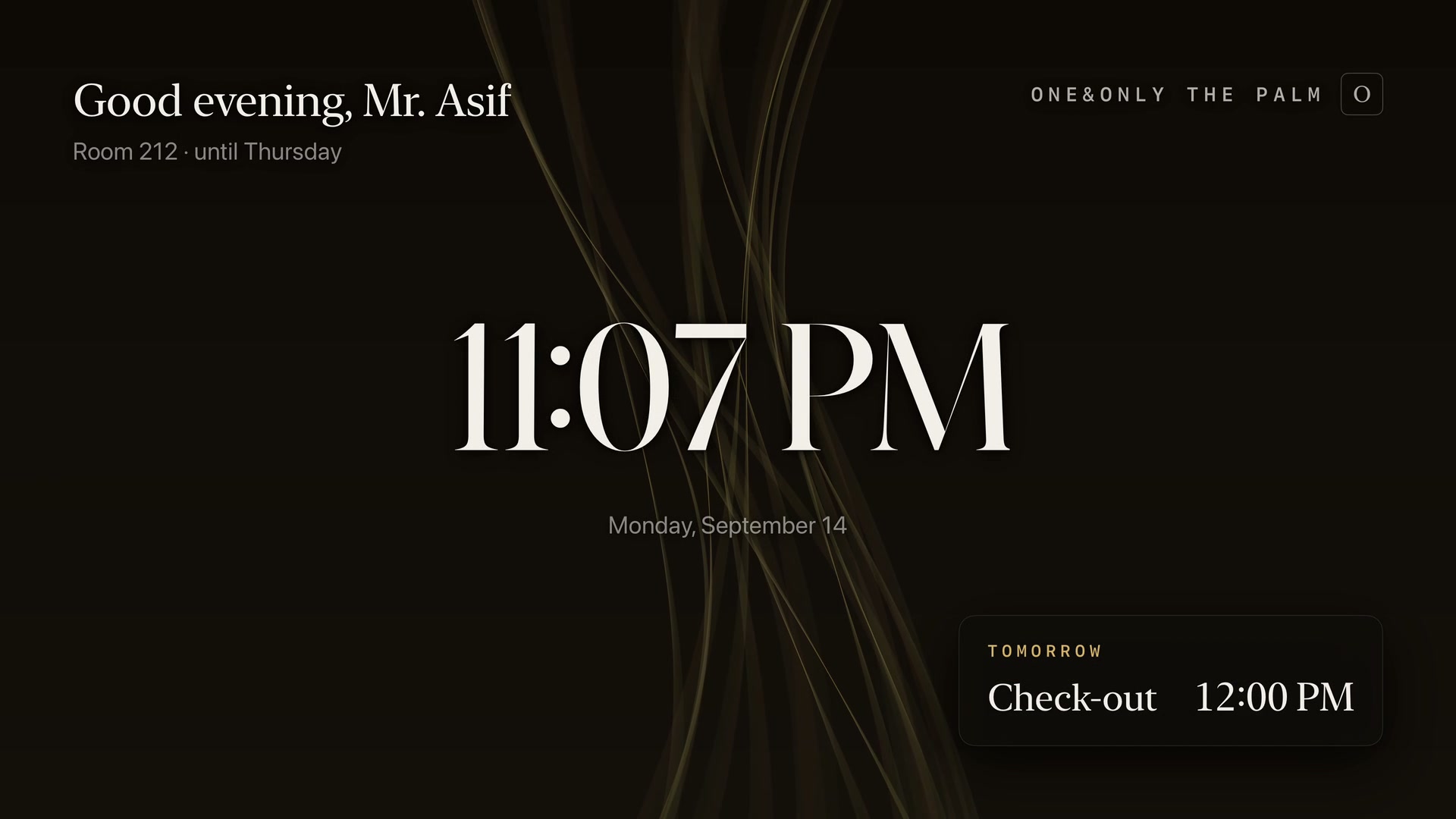
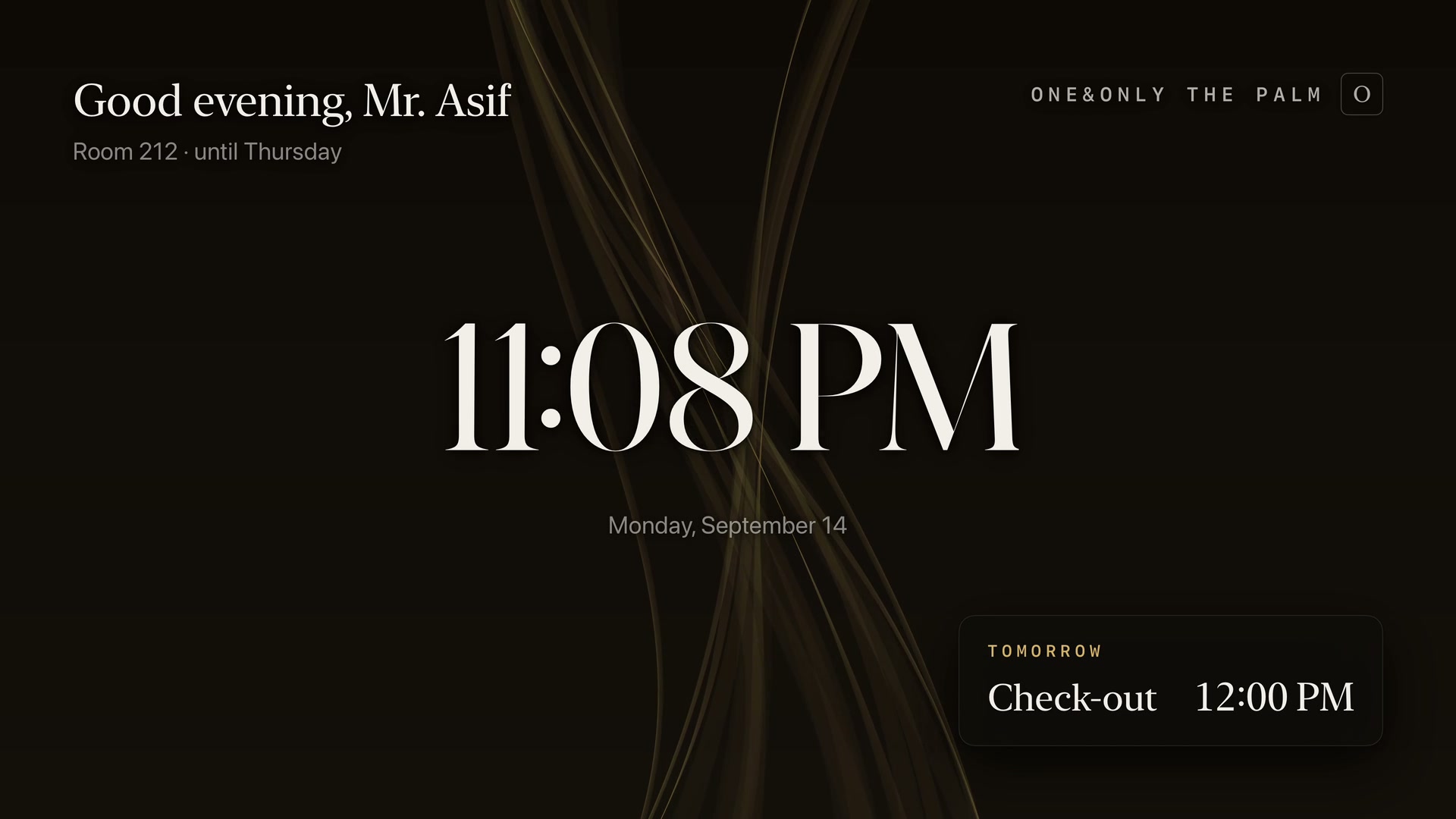
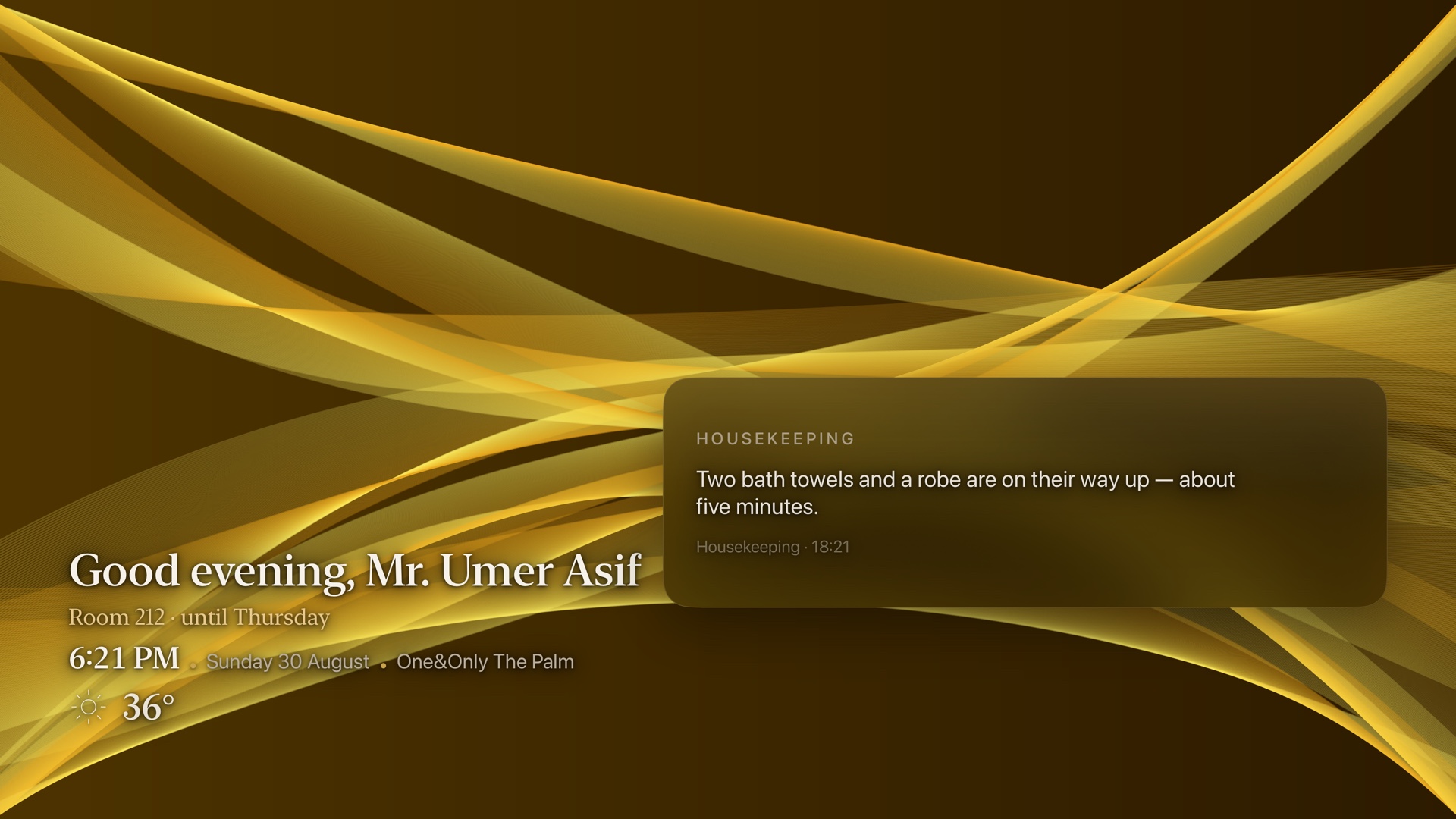
The lights, the television and a button on the nightstand. At rest the television shows a slow ambient ribbon. No menu, no logo, nothing to dismiss.
An always-on screen in someone's room has to be beautiful before it is useful, and it has to stay beautiful for eight hours.
On the property's network
One small server per property, on your network. It holds your property's facts, guest profiles and open requests, and decides what the television may show.
The television dials out to it. You open nothing on your firewall.
The room never improvises a price, an hour, or a policy
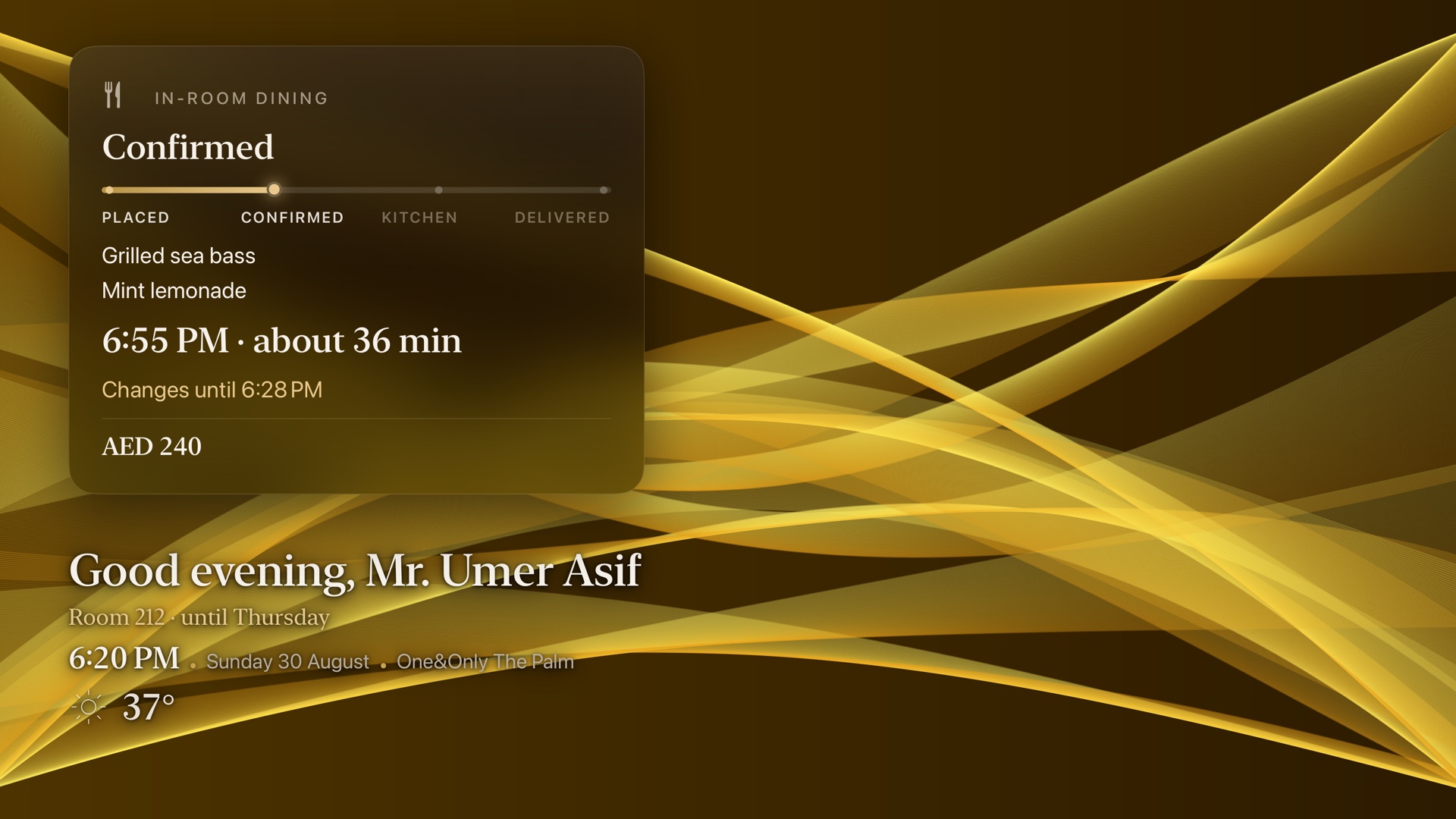
Everything on a guest's screen traces to a verified fact or a record. When the room does not know, it says so and offers the front desk.
The staff side
A request the room cannot complete itself lands in your staff inbox with a time, a room and the exact words. Your staff acknowledge it, start it and complete it. The guest's screen shows the same state.
A correction amends the existing request. It never creates a second one.
What it does not do today
- Connect to a PMS, point of sale, payments or door locks.
- Draw over other apps or inputs on the television.
- Tell two people apart.
- Stop cleanly mid-sentence when interrupted.
- Carry a guest's profile across stays. Approved, designed, not shipped.
- Bill by use. The billable unit is not fixed.